manually, rebuilding your cash position in Excel, and chasing reconciliation discrepancies at month-end, then this blog is for you.
A recent Gartner survey found finance teams are already applying AI at scale, with 49% using it for knowledge management, 37% for accounts payable automation, and 34% for error and anomaly detection. AI treasury management D365 is following the same path, arriving directly within the ERP your finance team already uses.
What is AI Treasury Management in D365?
AI treasury management in D365 refers to AI agents built into Dynamics 365 F&O that read your transaction data, spot patterns, and either recommend or perform actions within limits you set.
That’s different from the rule-based automation, which follows a fixed script every time and breaks the moment a transaction doesn’t fit the template.
These AI agents sit alongside Copilot, learning how your vendors actually pay and how your cash moves month to month, and adjusting as those patterns shift.
For your treasury team, that means fewer hours spent reconciling numbers manually and more time for the decisions that actually need a person behind them.
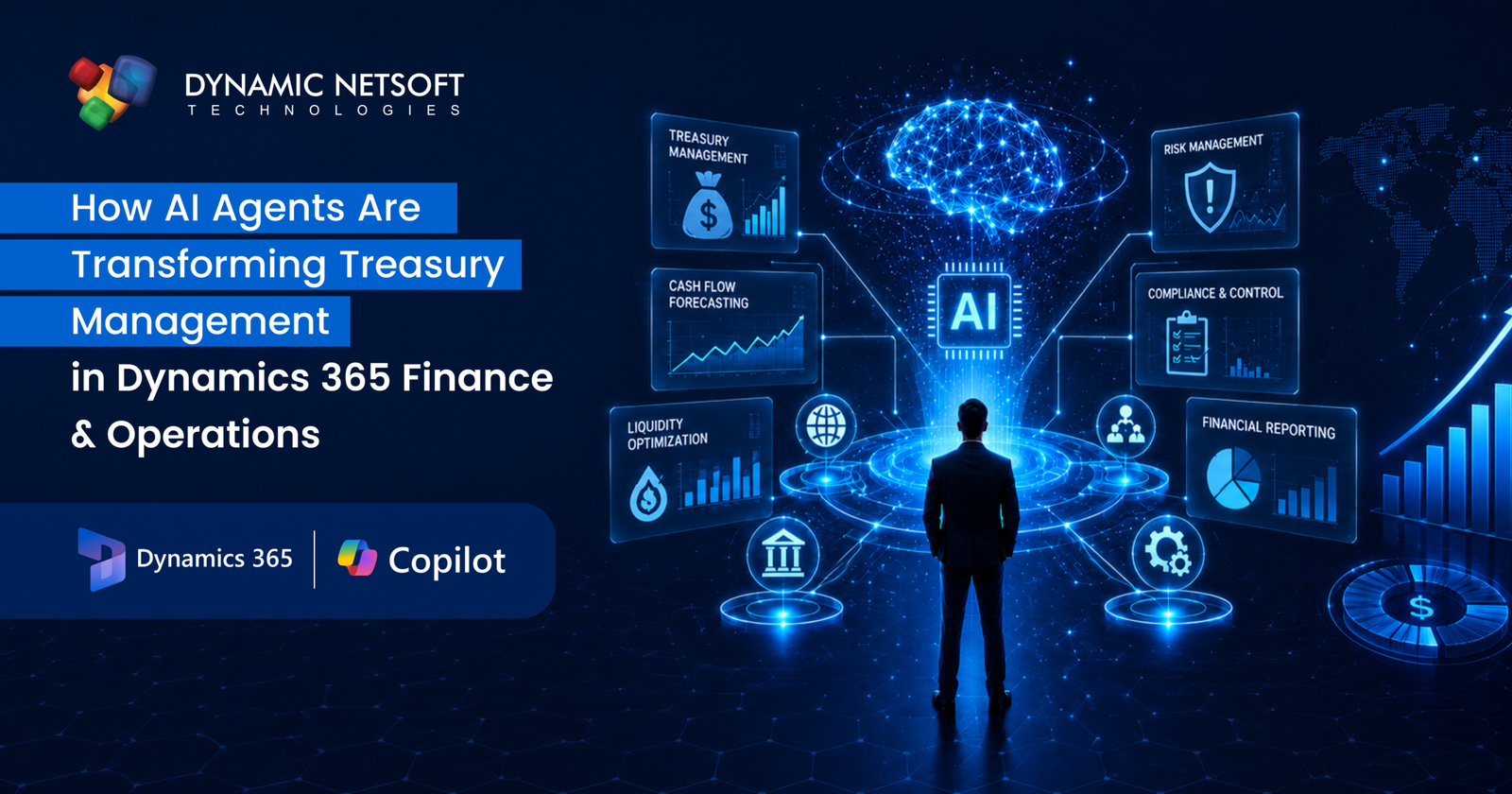
Let’s see how AI treasury management in D365 is already changing cash flow forecasting, liquidity management, payment automation, bank reconciliation, and fraud detection within Dynamics 365 Finance & Operations.
Cash Flow Forecasting
Spreadsheet forecasts are built on last quarter’s assumptions, and they lose accuracy the moment your business shifts direction.
AI-driven forecasting in D365 works off live transaction data and real payment behaviour, so it keeps updating as things change rather than sitting still until the next review.
Liquidity Management across Entities and Currencies
If your business operates across multiple legal entities or currencies, liquidity visibility usually means manually pulling numbers together from disconnected accounts.
D365 consolidates cash positions in real time, with currency translation applied automatically, giving your team one consolidated view.
Payment Automation
Rules-based payment automation breaks down where payment processing gets complicated: new vendors, unusual terms, or anything outside the standard template.
The Payflow Agent, part of D365 Finance’s 2026 Wave 1 release, watches your payment queues, checks vendor banking details against master data, and processes in-policy payments, flagging early payment discount opportunities based on vendor terms and payment history.
Bank Reconciliation
Traditional reconciliation waits for the period to close, runs a report, and then hunts for what doesn’t match.
The Account Reconciliation Agent replaces that with continuous monitoring. It scans transactions as they post, automatically reconciles the ones that clearly match between the subledger and general ledger, and raises exceptions the moment it spots a discrepancy.
Human review still matters here. The agent doesn’t resolve exceptions on its own. It flags them and recommends an action, leaving your team to review and approve before anything is finalised.
Fraud Detection and Anomaly Monitoring
Static, rule-based fraud checks flag anything over a fixed threshold, whether it’s actually suspicious or not. That buries the real problems under a pile of false alarms.
D365’s AI-driven checks learn what normal activity looks like for a specific vendor or account, and use continuous learning to keep refining that baseline.
The upside for your team is fewer false alarms. So your team spends its time on the exceptions that genuinely need a second look.
Financial Insights and Copilot/AI Capabilities
Copilot inside the D365 Finance workspace lets you ask a question and get an answer pulled directly from your financial data.
It also drafts collections reminder emails from overdue invoice data and summarises cash flow trends in plain language, two of the more mature capabilities behind AI treasury management D365 today.
Variance explanations for period-end reporting are also live, but they work better as a starting draft than a finished report. Deeper analysis still needs a closer human review.
Traditional Approach vs AI Treasury Management D365
| Aspects | Traditional Approach | AI Treasury Management D365 |
| Forecasting | Built on last quarter’s assumptions, updated periodically | Updated continuously from live transaction data |
| Reconciliation | Manual matching at month-end | Continuous matching, with exceptions flagged for review |
| Fraud detection | Fixed thresholds, higher false positives | Behaviour-based detection, fewer false positives |
| Liquidity visibility | Consolidated manually across entities, often delayed | Near real-time visibility across entities and currencies |
Implementation Best Practices for AI Treasury Management D365
Successful rollouts of AI treasury management D365 tend to follow the same pattern: start small, prove value, then expand, rather than switching everything on at once.
Start with your data. If your bank feeds are fragmented, vendor names are inconsistent, or your account structures are a mess, no AI model will work well.
Then pick your first use case carefully. Reconciliation and forecasting are the best places to start, as the results are easy to measure.
Record your baseline, hours spent, error rate, and forecast accuracy, so you’ve got something to compare against.
Assign one person to own the rollout. A dedicated owner keeps the project moving and stays the main point of contact as issues come up.
Set clear access controls. Only specific roles should be able to configure or modify an agent’s settings, and every action should be logged for audit and compliance review.
Your finance team should still review matches and exceptions in a dedicated workspace; automation doesn’t mean stepping away entirely.
Once the first process is running well, check the results against your baseline before you move on to the next one.
Dynamic Netsoft: Your Trusted Microsoft Dynamics 365 Implementation Partner
Dynamic Netsoft has spent over 15 years implementing Microsoft Dynamics 365 for finance and treasury teams, with a track record specifically in enterprise treasury, not just general ERP rollouts.
Beyond configuring Copilot and AI capabilities, we also build purpose-made treasury and loan management solution on top of D365 Finance & Operations. If your treasury operations still run on spreadsheets bolted onto D365, or your Copilot capabilities are underused, we can help you assess where you stand and build a rollout plan suited to your team.
Future Outlook for AI in Treasury Management D365
Microsoft’s 2026 release wave (April–September 2026) expands agentic capabilities, with the Payflow Agent already generally available, the Account Reconciliation Agent released as a production-ready preview, and more finance-specific agents planned for later waves.
Gartner predicts 40% of enterprise applications will include task-specific AI agents by the end of 2026, up from under 5% in 2025.
Forecasting is moving from a periodic task to a continuous one. AI models will keep adjusting forecasts as new transaction data comes in, catching shifts as they happen.
Risk monitoring is becoming more proactive. AI can continuously scan for unusual market movement and flag it early, giving your treasury team more room to adjust hedging strategies before risk escalates.
Fraud detection is shifting from periodic review to continuous monitoring, catching anomalies across transactions in real time.
Conclusion
None of these agents replaces judgement. They just get your team to the point of needing judgement faster, without a week of reconciliation and forecasting standing in the way. That’s the real shift AI brings to treasury management in D365.
Contact Dynamic Netsoft Technologies to see how these capabilities could fit into your treasury operations. As a trusted Microsoft Dynamics 365 implementation partner, our team can help you assess your current setup and build a rollout plan that actually works for your business.
Frequently Asked Questions
1. Does Dynamics 365 Finance & Operations include built-in AI capabilities for treasury tasks like reconciliation and forecasting?
Yes, it comes with built-in AI through Copilot and agents like the Account Reconciliation Agent and Copilot-driven forecasting, which analyses your receivables, payables, and payment terms to project cash flow.
2. How much manual review does the Account Reconciliation Agent or Payflow Agent actually still require, day to day?
Not much. Both agents handle the routine stuff on their own and only pull you in when something’s genuinely off, like a new vendor or a payment over a set limit.
3. Does using these AI agents create an audit trail for compliance purposes?
Yes. The Account Reconciliation agent maintains an audit trail for every reconciliation it handles, so you’ve got a clear compliance record without extra manual tracking.
4. How does pricing work for AI agents in Dynamics 365 Finance & Operations?
Pricing runs on a credit-based model. Each Dynamics 365 Finance Premium license includes 1,000 Copilot credits a month to run AI agents, with additional credit packs available as your usage grows.
5. Can I adjust how often the Account Reconciliation Agent runs?
Yes. By default, it runs automatically every six hours, but you can adjust that frequency from the background process settings.